
SmartDash transforms raw sales CSVs into instant insights. Designed for shopkeepers and small businesses, it auto-detects key columns, applies filters, and delivers clear KPIs, charts, and a branded PDF report.
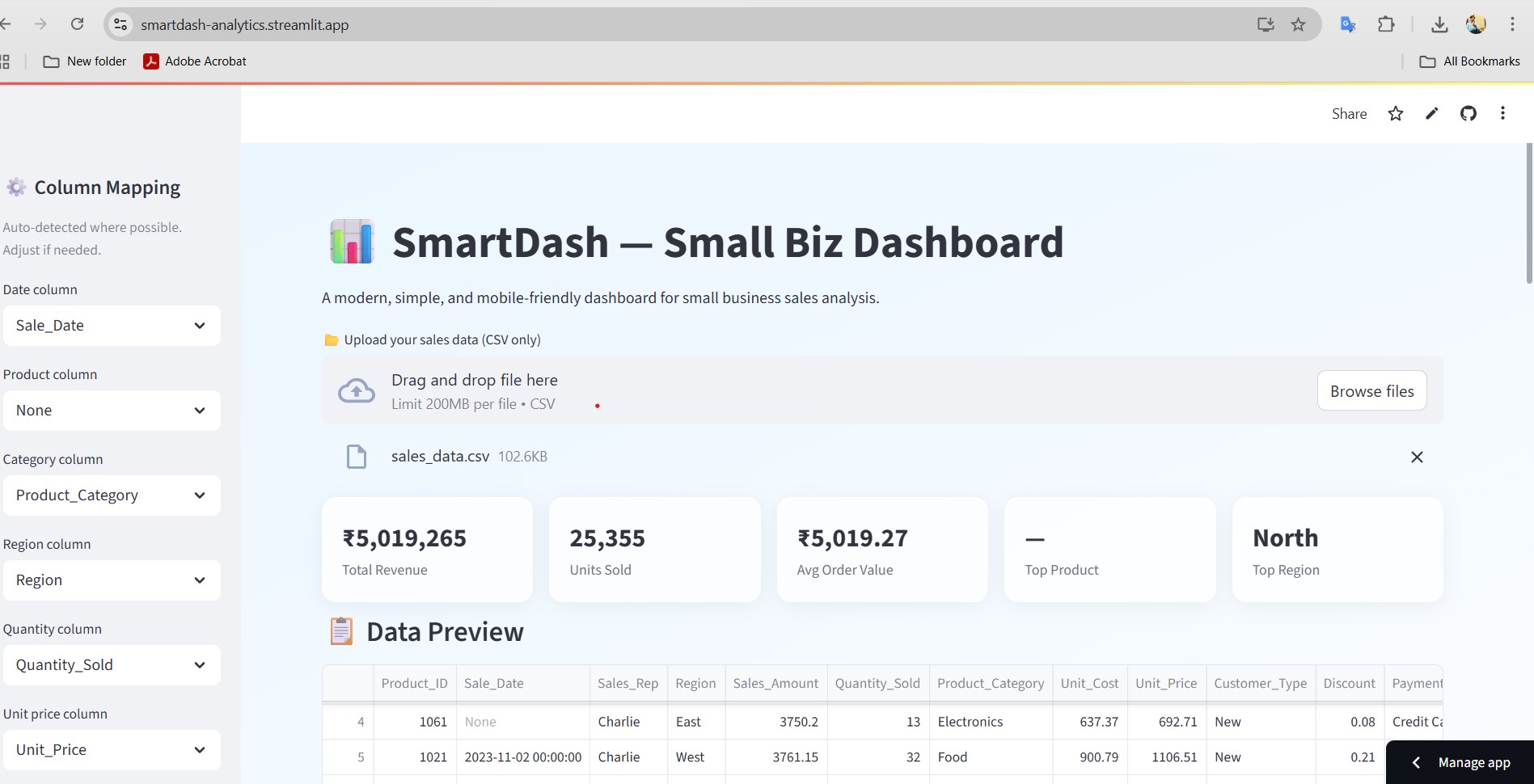
👉 An AI-ready, user-friendly analytics dashboard for small businesses.
SmartDash is a lightweight web app that turns raw sales CSV files into instant insights.
Use cases:
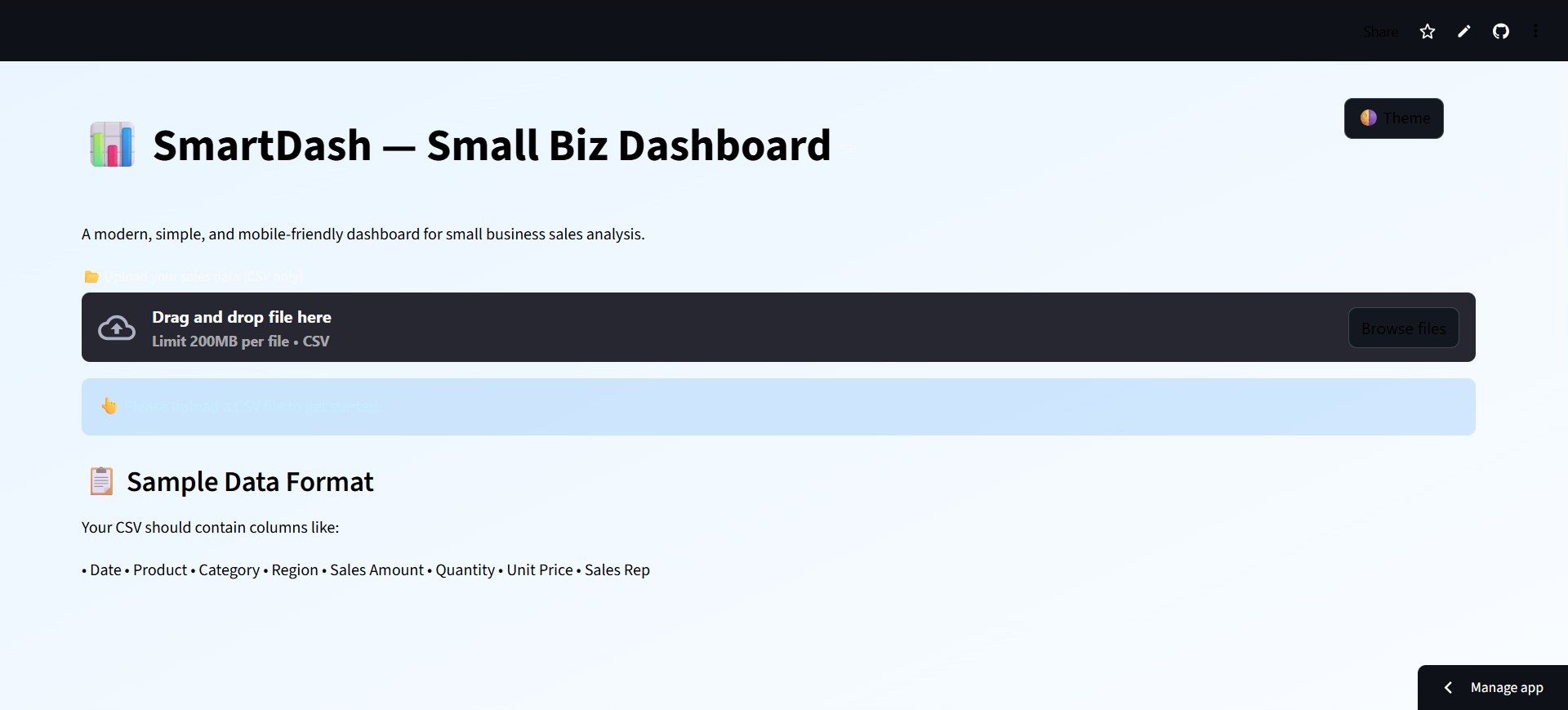 Homepage
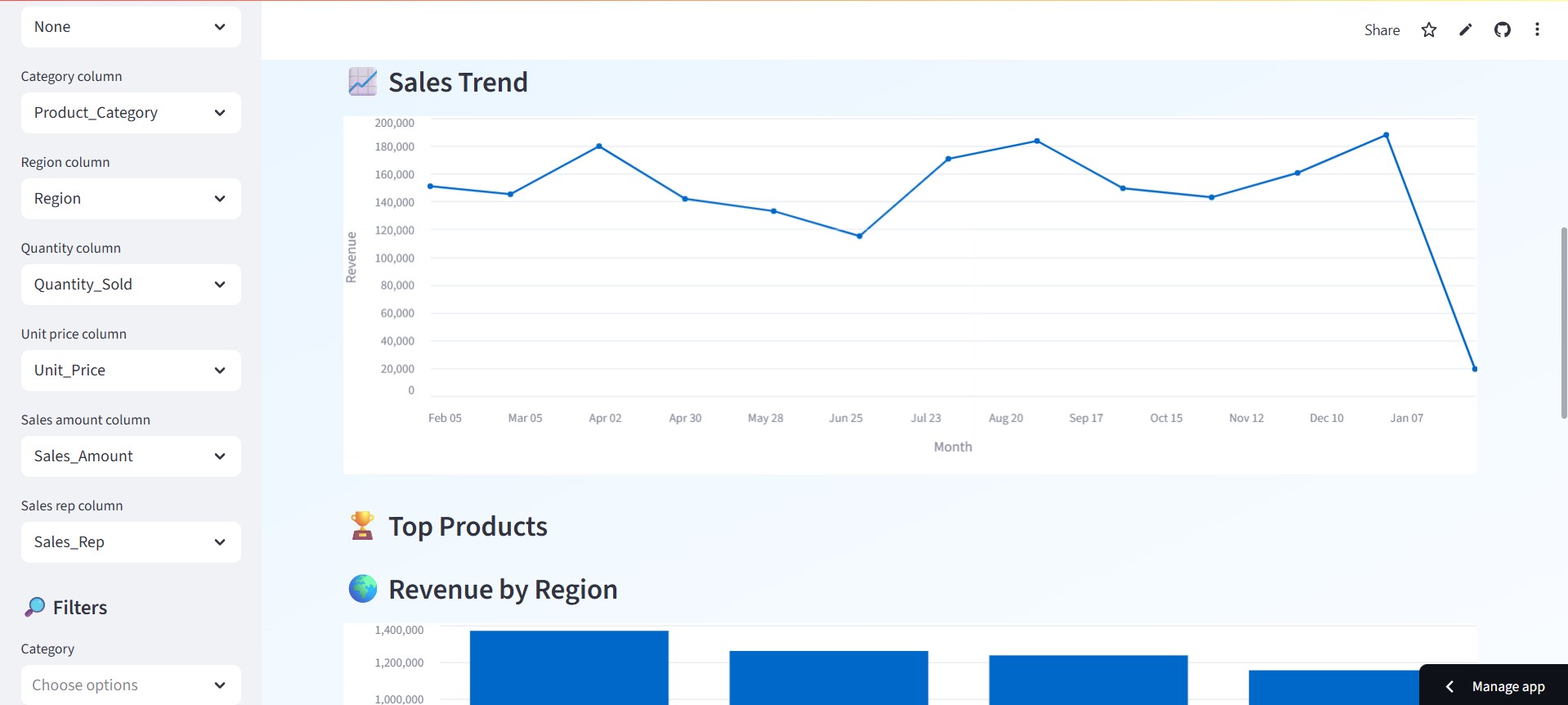 Loaded Data
🎯 Quick Start: Upload your sales CSV, explore insights, and download reports—all in your browser!
SmartDash expects a CSV with typical sales columns. It automatically tries to detect these by name:
Sale_Date, Date, Order_Date, Transaction_DateProduct_Name, Product, Product_ID, ItemCategory, Product_CategoryRegion, State, LocationSales_Amount, Total, Amount, SalesQuantity, Qty, Units, No. of itemsUnit_Price, Price, Item PriceUnit_Cost, CostSales_Rep, SalespersonIf Sales Amount is missing, SmartDash computes Revenue = Quantity × Unit Price (if both exist).
If auto-detection fails, the always-visible selectors let you pick the right columns.
Tip: Use a
sales_sample.csvfor easy demos - Download
SmartDash shows Quick Insights by default
The PDF uses ReportLab.
List of key Python packages (also in requirements.txt):
streamlit
pandas
numpy
reportlab
altair
datetime
# If you read Excel files too:
# openpyxl
# If you render matplotlib charts into the PDF:
# matplotlib
> **Python version:** 3.9+ recommended. Works on Windows/macOS/Linux.
---
## 🧑💻 Getting Started (Local)
1) **Clone the repo**
```bash
git clone https://github.com/yourusername/smartdash.git
cd smartdash
# Windows
python -m venv .venv
.venv\Scripts\activate

# macOS/Linux
python3 -m venv .venv
source .venv/bin/activate
pip install -r requirements.txt
streamlit run app.py
http://localhost:8501. Open it in your browser.“streamlit: command not found”
Activate your virtual env or reinstall: pip install streamlit.
“File does not exist: app.py”
Make sure you’re in the folder that contains app.py when running streamlit run app.py.
“TypeError: unsupported operand type(s) for /: ‘str’ and ‘int’”
Ensure numeric columns are converted with pd.to_numeric(..., errors="coerce") and handle NaN with .fillna(0).
Auto-detection wrong?
Use the column selectors to manually assign columns.
Date not parsing?
The app tries multiple formats and uses errors="coerce". You can pre-clean dates in your CSV if needed.
This project uses the MIT License — open and permissive.
See the LICENSE file for full text.